Unlock the Secrets to Breathtaking Architectural Visualizations with this Comprehensive Course.
WHAT?
From Who?
For WHO?
Are you a 3D design enthusiast, an architect, or a CGI artist looking to create stunning, photorealistic renders that will captivate your audience? Look no further!
Your instructor, Jake, is a 3D artist with years of experience working with big brands, designing super yachts, and jets, as well as working for Chaos, the creators of Chaos Corona. Though this course is not affiliated with Chaos, you can rest assured that you'll be in the capable hands of one of the top 10% most engaging instructors on Udemy.
Jake has successfully taught over 25,000 students, delivered talks at Autodesk University, 3D Artist Magazine, and V-Ray seminars, and has worked with numerous companies and universities worldwide.
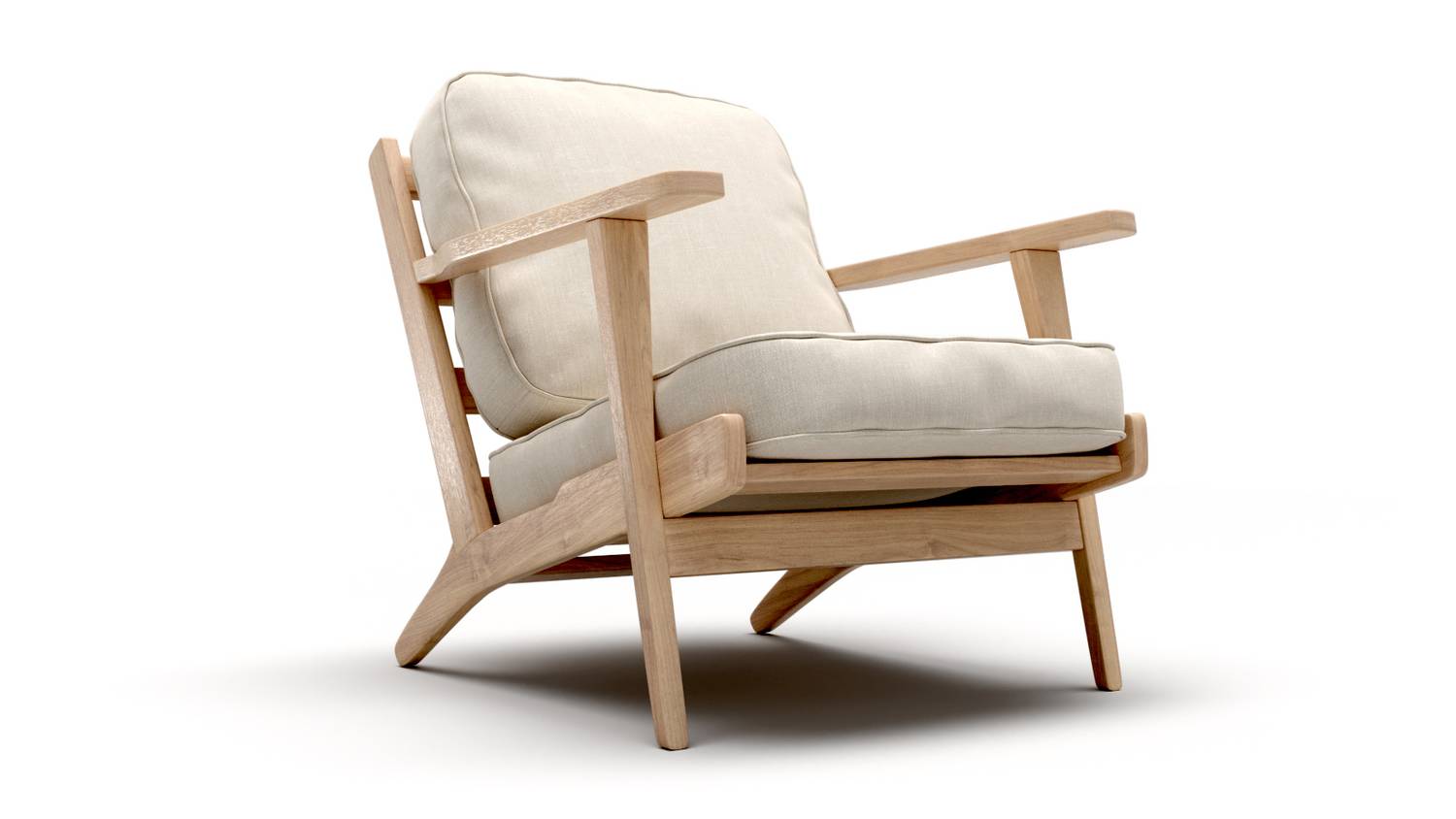
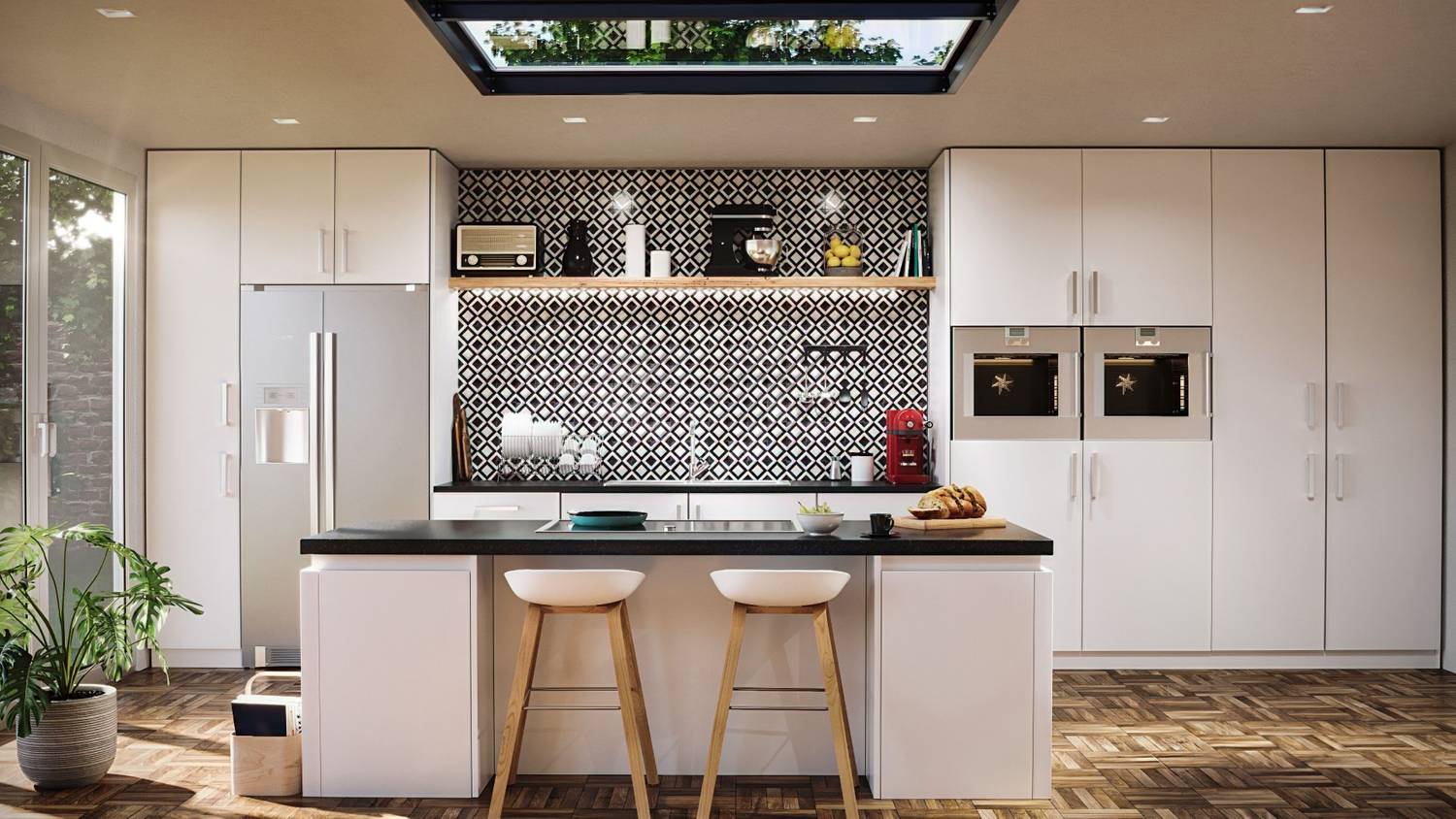
Master the art of modeling, texturing, and lighting in 3ds Max and Chaos Corona to create captivating, true-to-life architectural scenes.
Populate your scenes with high-quality furniture, props, and exterior elements to bring your visualizations to life and add a touch of realism.
Harness the power of Corona Lights, IES, and other sources to illuminate your environments and create well-lit, visually stunning scenes.
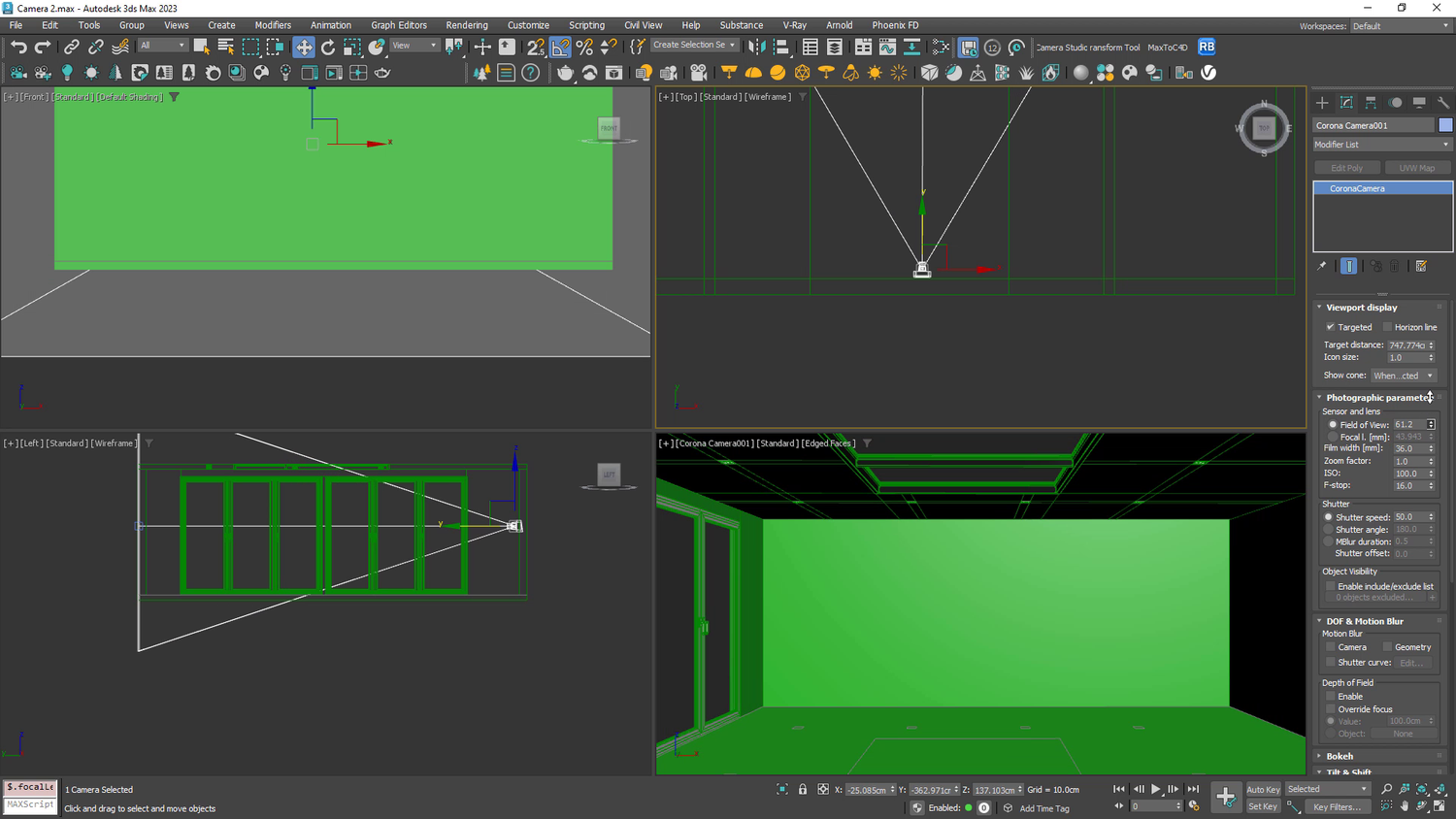
Sharpen your architectural visualization skills by applying the principles of virtual photography and rendering for more impactful and memorable visuals.
Utilize 3ds Max tools to edit and arrange kitchen units, materials, and appliances, allowing you to create unique, personalized designs that cater to specific needs.
Develop rich, immersive exterior scenes with Cosmos assets, adding depth, life, and interest to your architectural visualizations.
"This is one of the best courses to start with corona renderer. Everything is well explained, video/audio is very good. This is my third course from Jake, and i can really recommend it to you all. 10/10!."
"The course really helpful in particular for me and I`m not an expert with Corona. I absolutely recommend it to all!"
"Its awesome that the tutor has real life experience too. Jake has worked for some huge companies and his portfolio is crazy good! Top of his game. Thank you for sharing such value."
Architectural Visualization
Interior Design
Advertising & Marketing
Film & Television
Game Design
Drop your email below, and we will get in touch.